 Inkomik
Draw comics, your way. On your PC.
Inkomik is a fast, native Windows app for making comics and manga, from the first panel to a print-ready book. Vector ink, real speech bubbles, watercolor and screentone engines, all in one focused tool.
Free to create and share. One-time upgrade for professional publishing. No subscription.
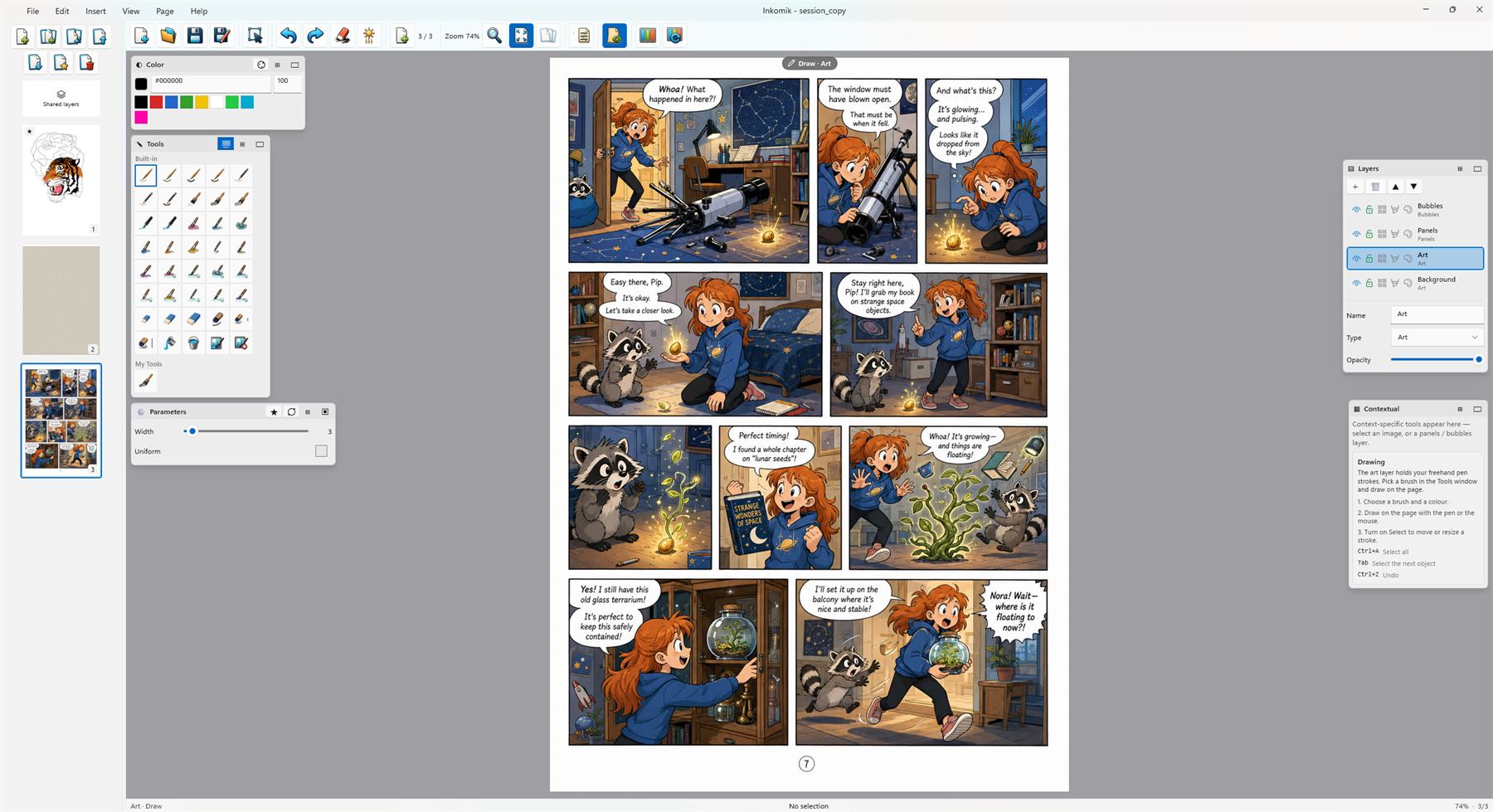
Built for comics. Made to own.
Not a general painting app with comics bolted on. Every part of Inkomik, from typed layers to imposition, is shaped around telling a story in panels.
Made for the medium
Typed Art, Panels and Bubble layers, panel templates, screentones and print imposition, the workflow a comic actually needs.
Buy once, own forever
A one-time purchase, not a monthly rental. Your copy keeps working, and your files are plain, openable archives.
Private & offline
Your artwork stays on your PC. No cloud requirement, no accounts, no telemetry, no ads, no tracking.
Vector by default
Ink stays crisp at any zoom and any export resolution. Rasterize a layer on demand when you want painted texture.
Almost unlimited undo
Step back through your whole session, and the history can even be saved inside the document.
Native & fast
A real Windows app on DirectX, no browser engine, no heavyweight runtime. It launches quickly and stays responsive.
Distinctive looks, built in
Purpose-built engines give your pages a hand-made feel that flat fills can't, and a dedicated studio for lettering.
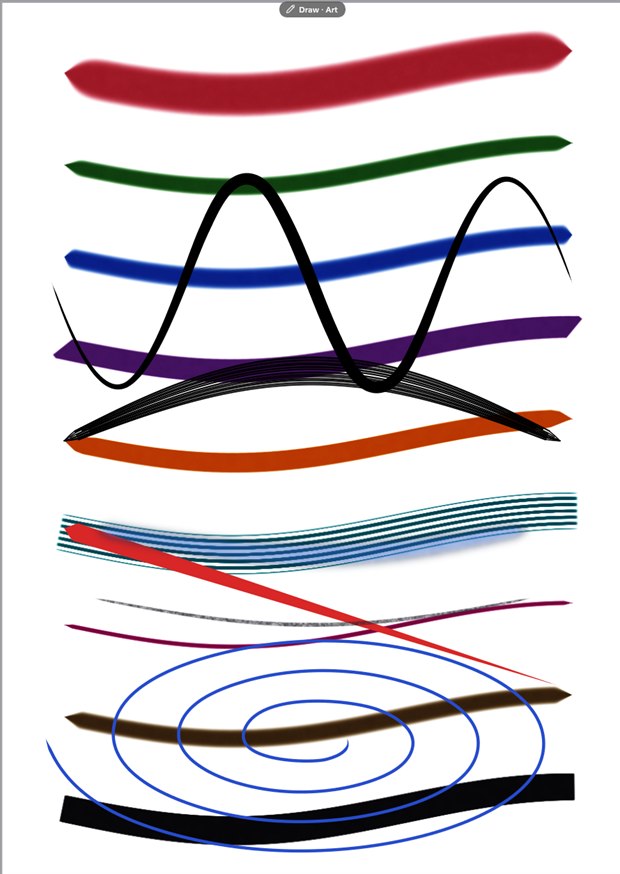
Wet, blooming ink
Brushes that bleed and pool like real watercolor, with fully adjustable parameters. Great for covers, splash pages and expressive backgrounds.
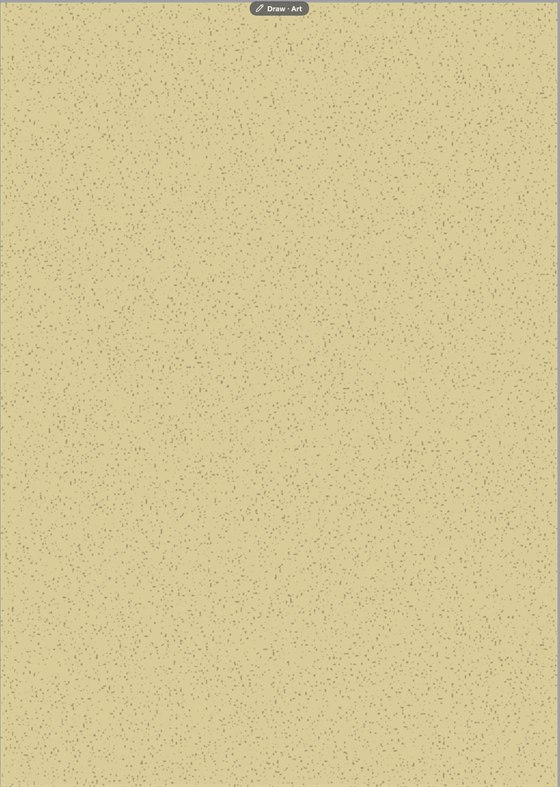
Print on real stock
A procedural paper layer, grain, mottle and speckle in any stock colour, that sits under your art for an authentic printed look, right down to newsprint.
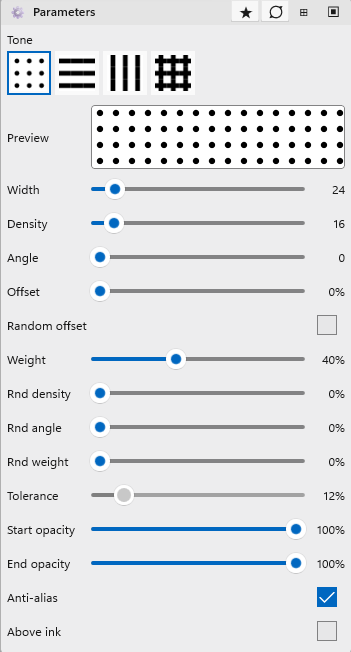
Manga screentones
Fill regions with configurable dot, line and cross-hatch screentones, the classic manga shading, applied as clean, resolution-independent fills.
Type that fits the bubble
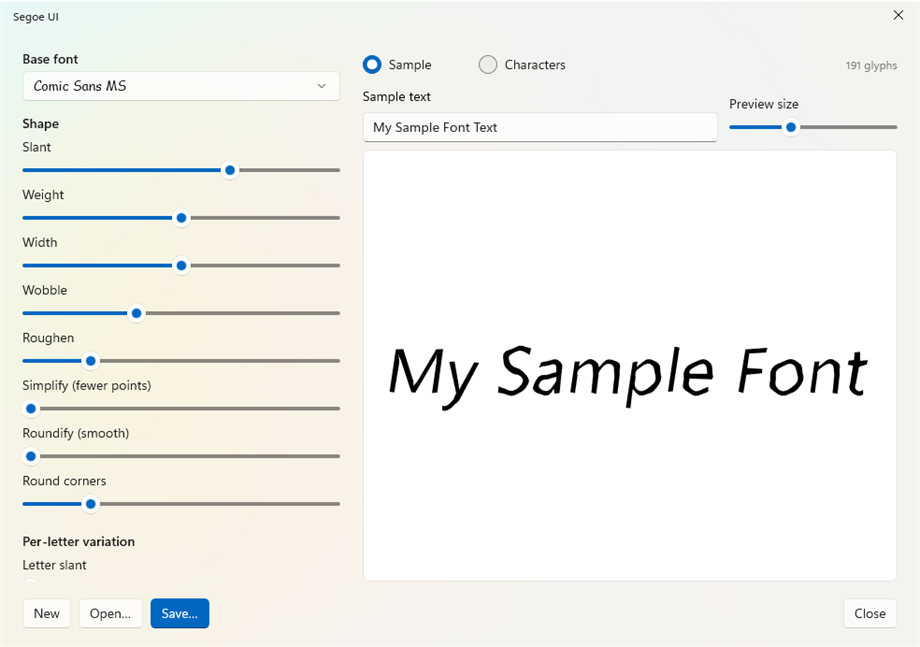
Set speech in any installed font, styled and word-wrapped inside real bubbles, edited right on the page.
Panels the smart way
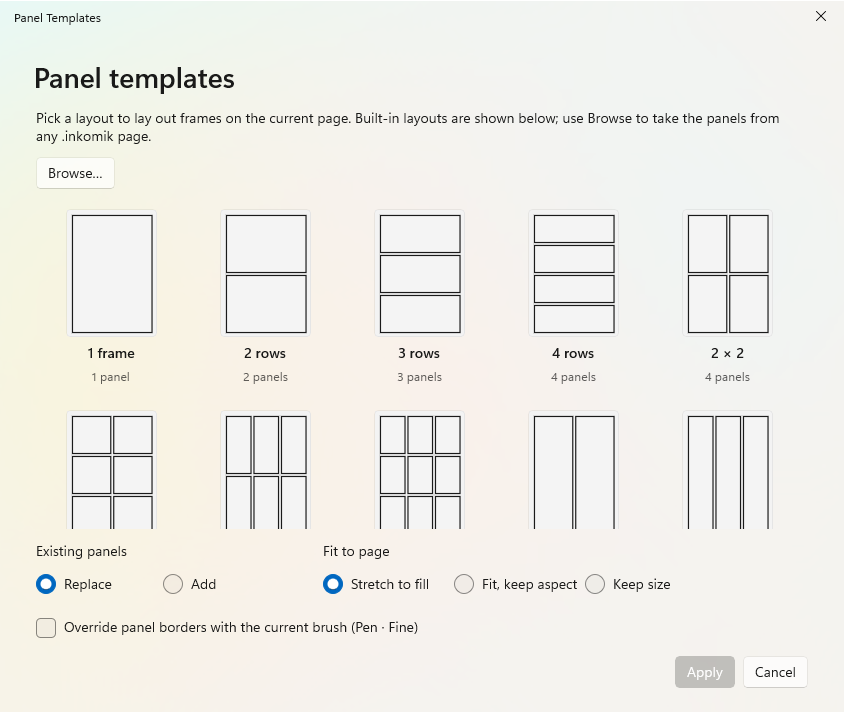
Lay out a page in seconds, then bend it to your story. Panels are real objects you can reshape, not just boxes.
- Drag, draw freehand, or start from 27 built-in templates
- Merge overlapping panels or split one along a line
- Rounded corners, rotation and arbitrary polygons
- Any brush for the border, borderless still masks the art
Speech that reads right
Bubbles are first-class shapes with text baked in, so dialogue always sits where it should.
- Ellipse, rounded box, or a custom drawn shape
- Type directly on the page with inline editing
- Per-bubble fill and text colour, any installed font
- Auto-fill tokens for page numbers and titles

Read it like a book
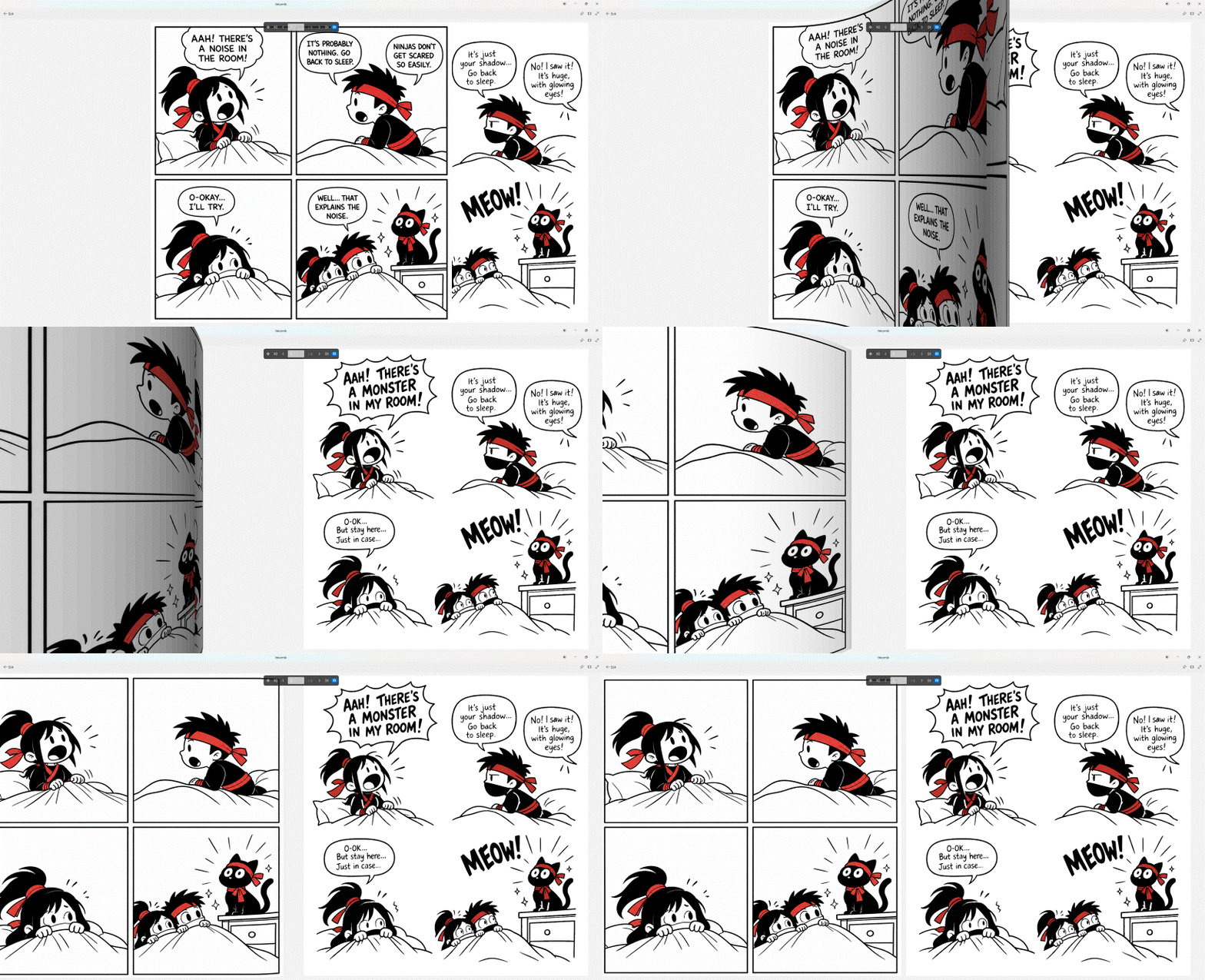
Flip through your work in a distraction-free reader with real page-turn motion, the way your audience will see it.
- Full-screen, keyboard-driven page turning
- Respects reading direction, including right-to-left manga
- Opens comic archives directly, view-only
Finish and publish, professionally
Export for the web or hand a printer a real book. Bleed, colour profiles, imposition and crop marks are all built in.
Export anywhere
PNG and JPEG images, or a full CBZ, PDF or EPUB, straight from the same document.
Print & bind
Booklet and N-up imposition, crop marks, bleed and safety guides, ready for print-on-demand.
Explorer integration
Rich thumbnails, a paging preview and file details for your .inkomik files, right in Windows Explorer.
Start your comic today
Download Inkomik free from the Microsoft Store and draw your first page in minutes.