 Inkomik
Download
Get Inkomik for Windows
Install free from the Microsoft Store. It updates automatically and runs on both Intel/AMD and ARM PCs.
Free to download · Premium is an optional one-time in-app upgrade.
🪟
Requirements
Windows 10 (1809+) or Windows 11, on x64 or ARM64. GPU-accelerated. Great with a mouse, best with a pen. Full specs below.
🔄
Automatic updates
Installed through the Microsoft Store, so you always have the latest version with no manual patching.
⭐
Upgrade in-app
Unlock Inkomik Premium whenever you like, from the app's own menu. It's a one-time purchase tied to your Microsoft account.
System requirements
What you need to run Inkomik
| Operating system | Windows 10 version 1809 (build 17763) or later, or Windows 11. |
| Architecture | 64-bit x64, or ARM64. Runs natively on both. |
| Graphics | A Direct3D 11-capable GPU is recommended, Inkomik draws on the GPU. Integrated graphics are fine; a dedicated GPU helps with large pages, watercolor and high-resolution export. |
| Memory | 8 GB minimum. 16 GB or more recommended for long, multi-page or high-resolution documents. |
| Input | Works great with a mouse and keyboard. A pressure-sensitive pen or drawing tablet is recommended for inking, brushes respond to pen pressure. |
| Storage | About 150 MB for the app, plus room for your documents. |
Getting started
From install to first page
- Install Inkomik free from the Microsoft Store
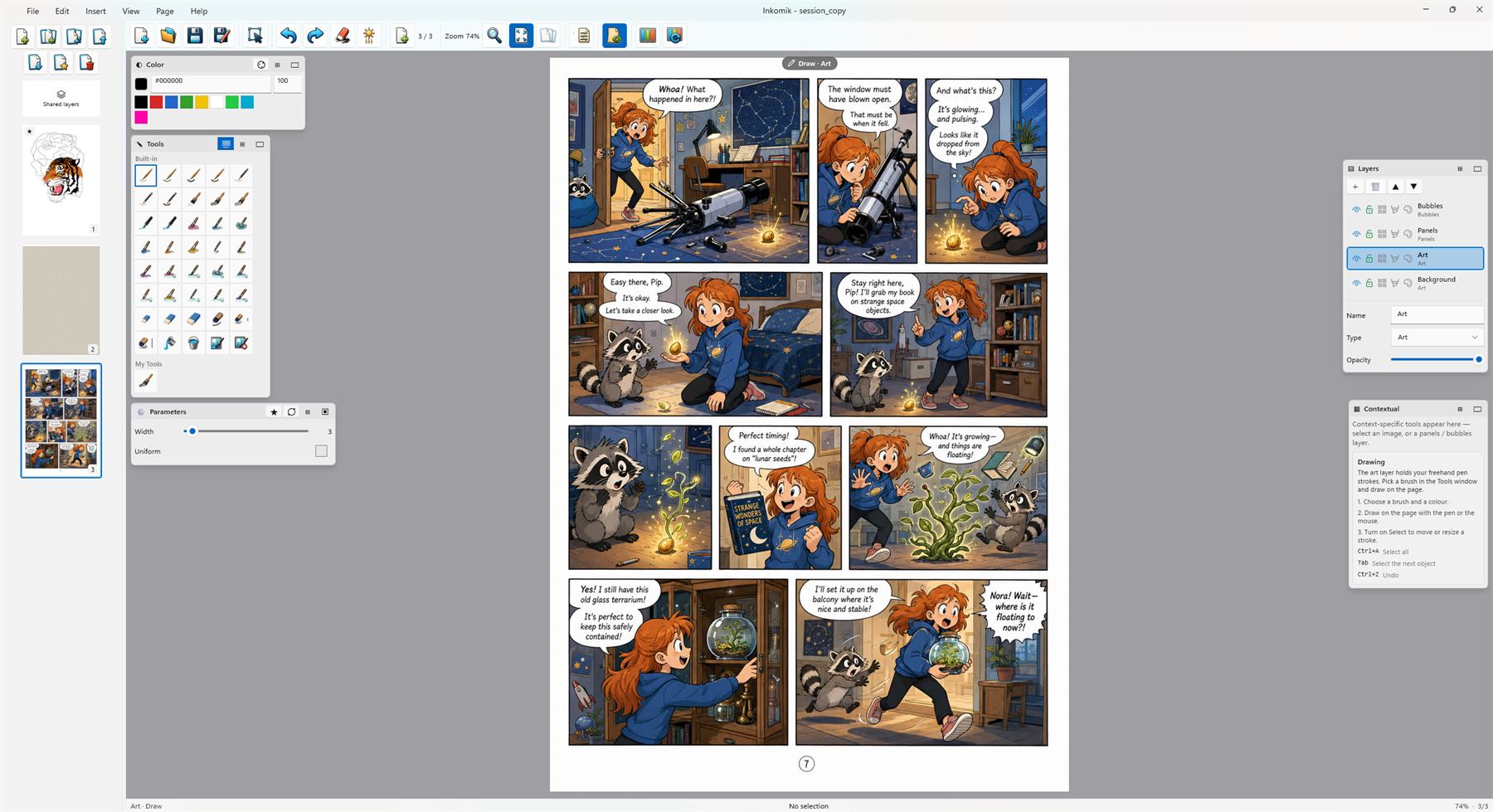
- Start a new document, or a page from a panel template
- Draw on the Art layer, add panels and bubbles
- Read the user guide for the full tour
- Upgrade to Premium when you're ready to publish or print
Ready when you are
Inkomik is a free download. Make something, then decide about Premium.